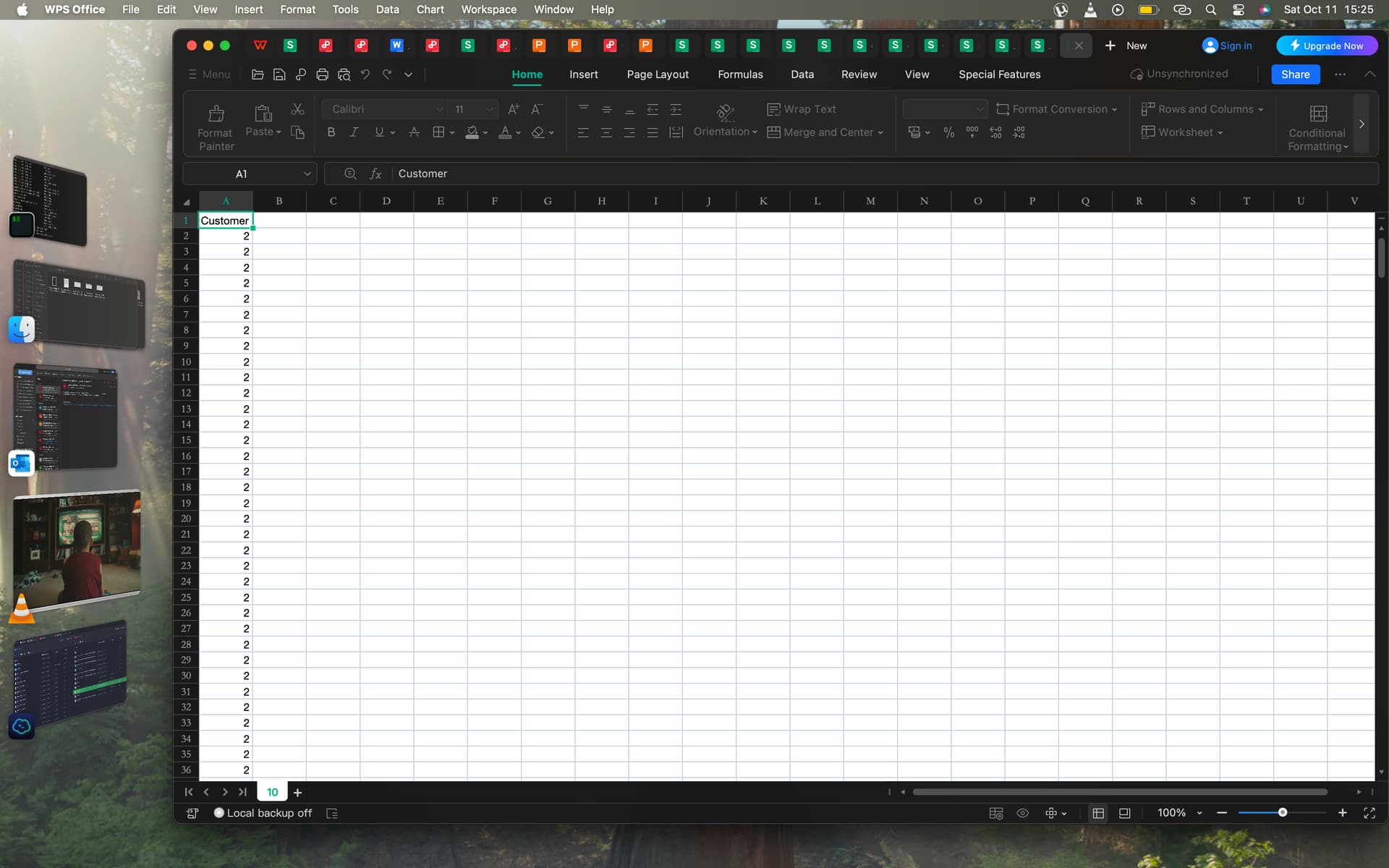
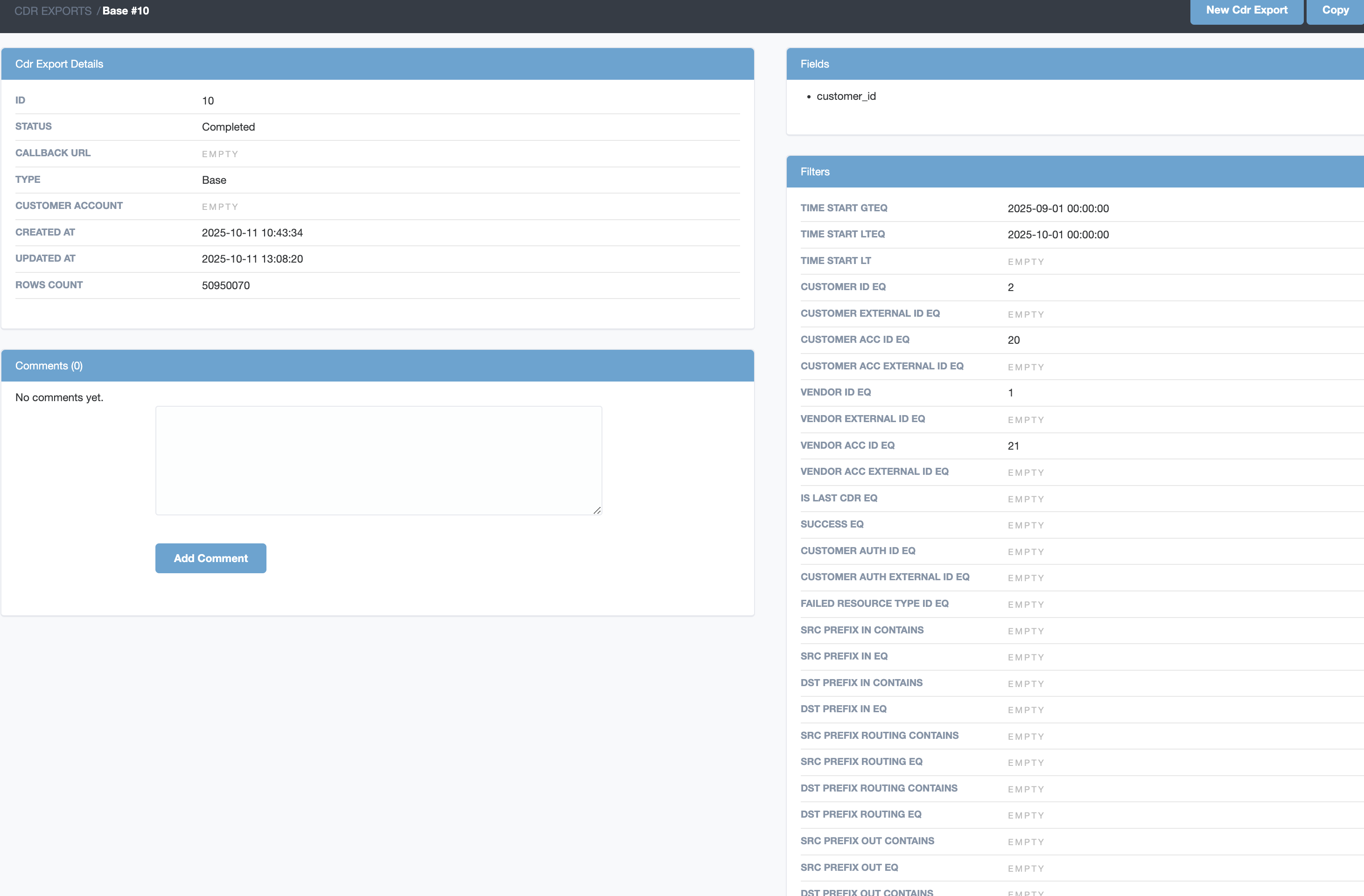
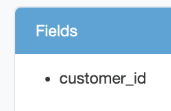
Downloading cdr via the CDR history tab takes too long to download and when it completes it does not download the fully duration specified. @dmitry.s please assist. also the CDR export does not work. when i am able to download it, only the customer id is populated with just the ID :1 on all rows. do we have where the CDR is being stored in the server?
You have to use CDR export tool.
also the CDR export does not work.
It is not clear what does it mean. You have to spent some time and explain what you expecting, how you creating export and what doesn’t work according to your expectations.
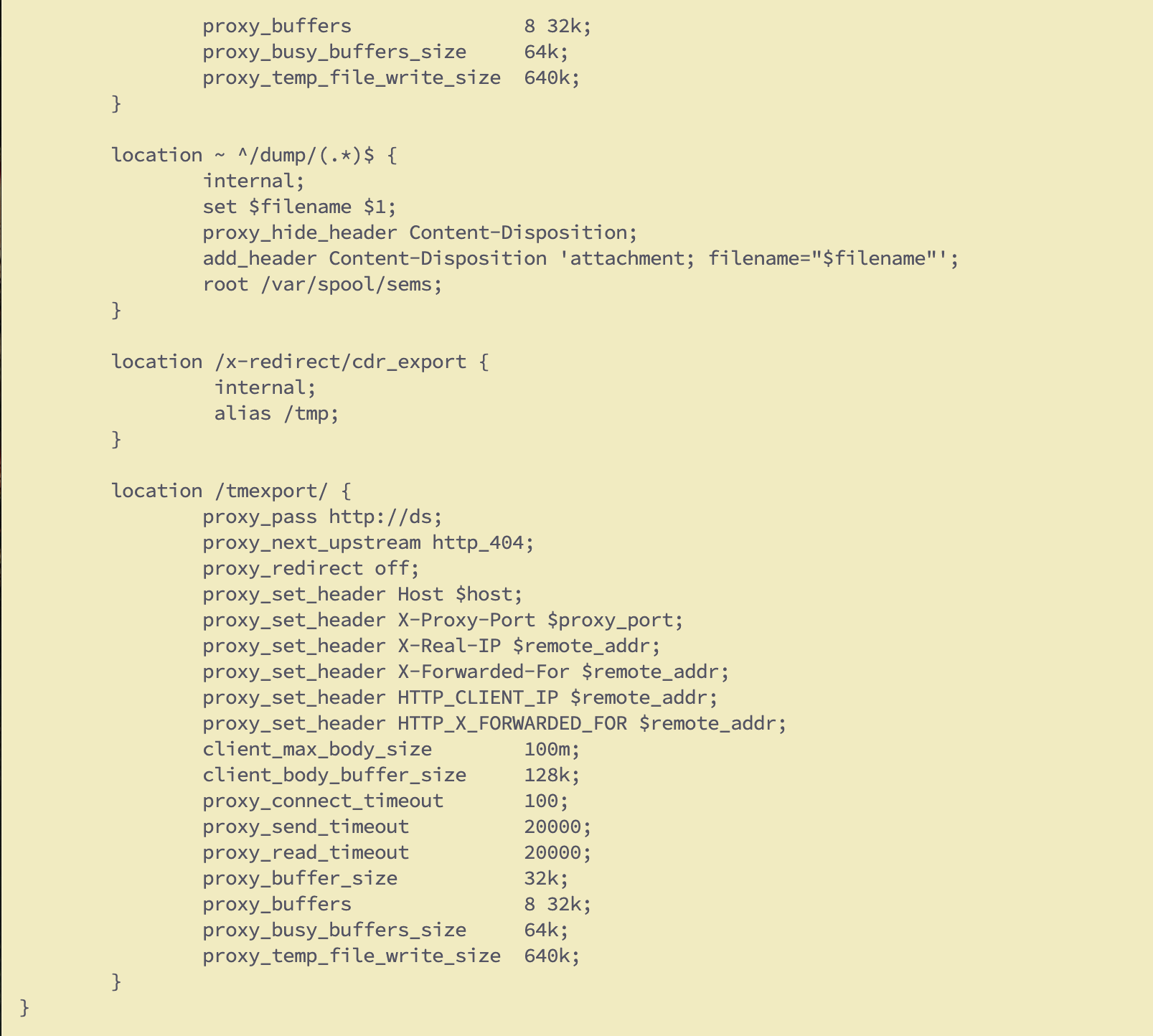
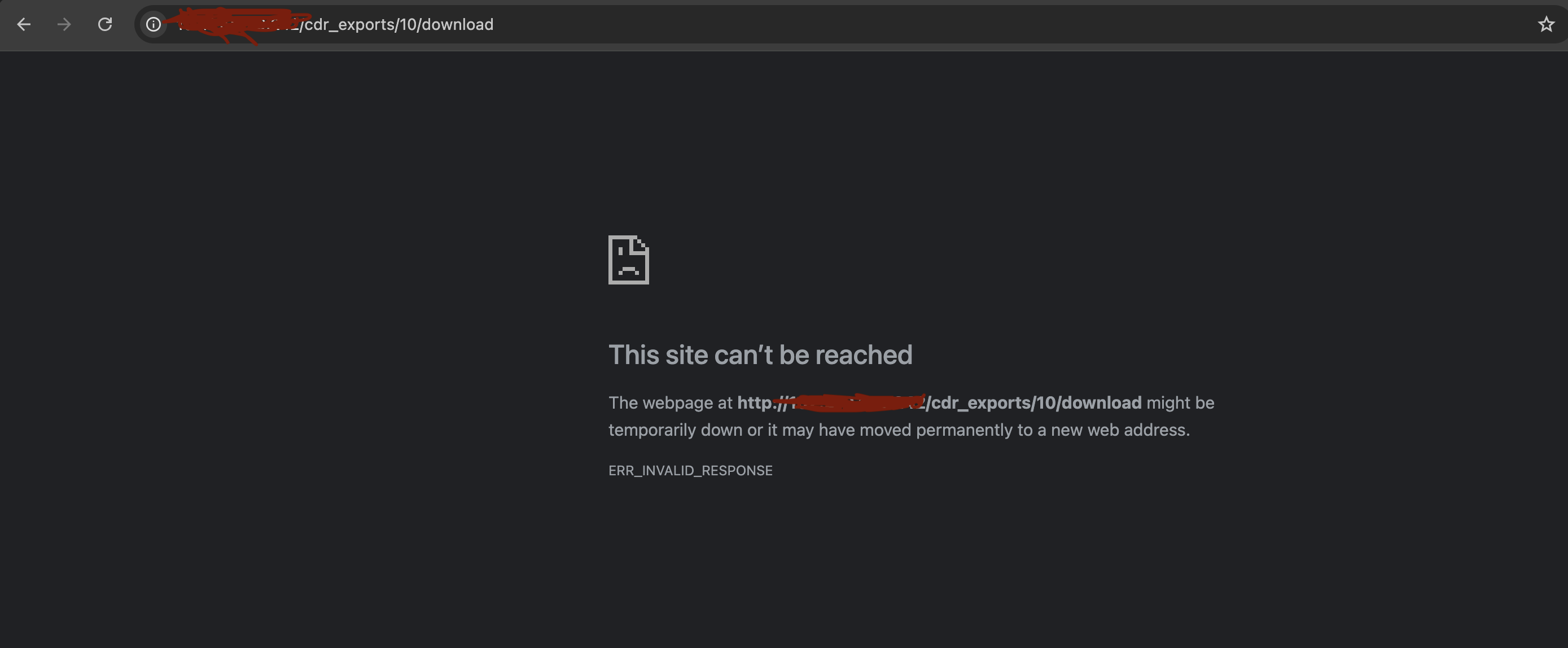
ok I created the export tool inputed the customer and also the start and end date duration and also the vendor traffic was terminated on. with this i am expecting it to populate the entire CDR of traffic sent by that customer to the specified Vendor mentioned… firstly when i try downloading it fails even though I had already added the line at yeti under /etc/nginx/sites-enabled/yeti-web. i have to go to the tmp directory and change the mode to read before it download and it comes out empty just with customer id on each row
I can’t reproduce it - I created export. Download works. Export contacts all requested columns.